
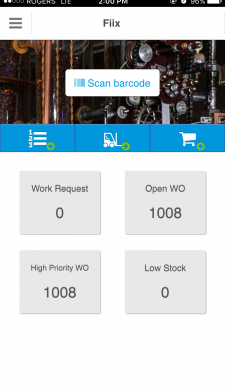
Quickly open or create an asset file using built-in barcode scanner
Easily create work orders, assets, and purchase orders
Track work orders by categories, such as open or high priority
Track and review inventory
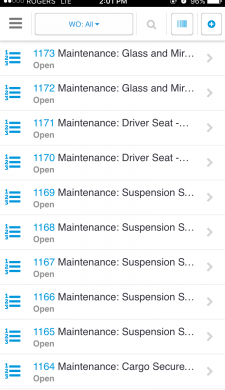
Review all or specific work orders using categories
Access any work order under the specified category with one click
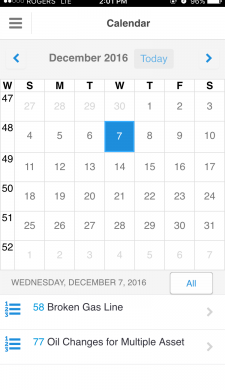
Sort work orders by month
Select a day to view associated work orders
View all scheduled maintenance for each day
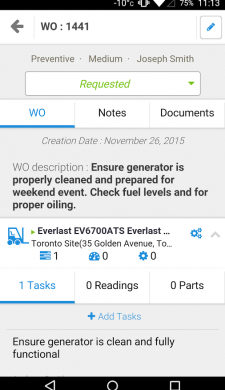
Monitor work order status
Easily access work order information, such as description, servicer, and type of maintenance
Create checklists for mechanics to follow
Ensure maintenance is done correctly by outlining steps